

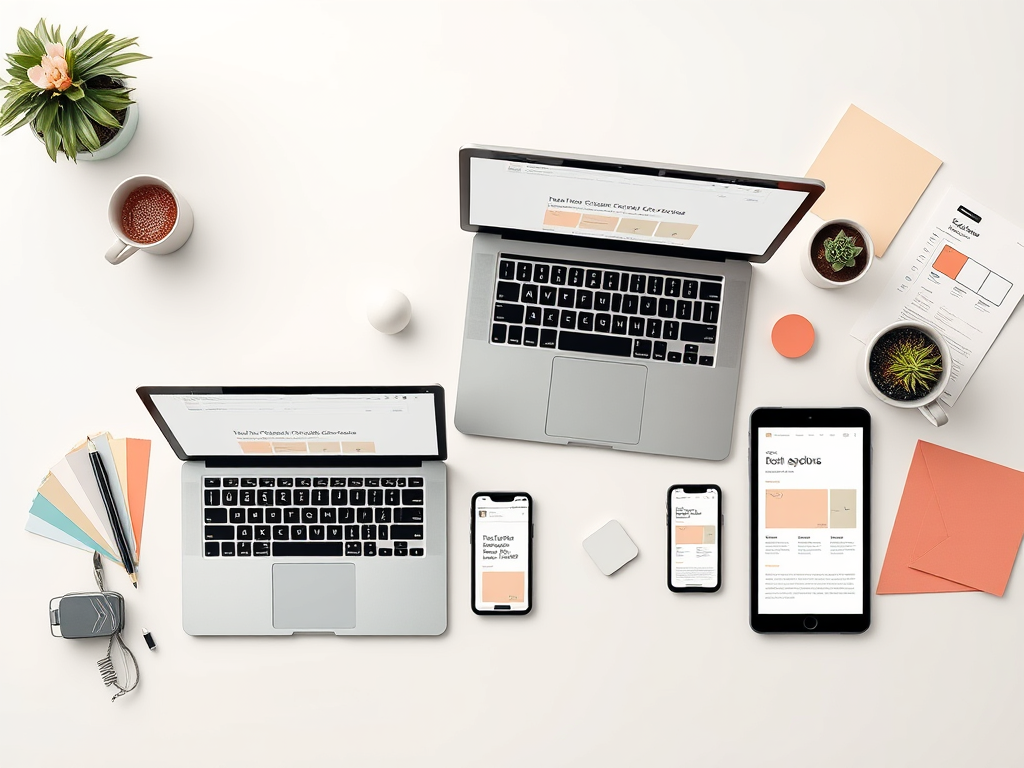
You don’t always need more traffic — sometimes you just need a website that doesn’t quietly send people away. A website isn’t a static brochure — it’s a bridge between your vision and your customers.
Most people assume the hard part is getting visitors to their site, but even a steady stream of traffic won’t help if your site has some of the common website mistakes small businesses make. Once someone lands on your site, you have about 5 seconds to make them feel like they’re in the right place, that they trust you, and that they want to take the next step.
If your website isn’t converting (aka turning visitors into inquiries or customers), it might be making one of these common mistakes. Let’s walk through them — in simple terms.
Below are some of the most common website mistakes small businesses make, but they’re also easy to fix!
Website Mistake #1: No Clear Next Step (CTA)
People might like what they see, but if you don’t tell them what to do next, they’ll leave — not because they didn’t want to work with you, but because they weren’t sure how.
A CTA (Call to Action) is just your way of saying: “Here’s what to do now.”
Examples:
- “Book a free call”
- “Get a quote”
- “Start your project”
Make it easy to find. Place your CTA near the top of the page — where people can see it without scrolling (this is what designers mean by “above the fold”). Don’t make people search for it.
✅ Tip: Put one clear, friendly button near the top. Repeat it lower down if needed — but don’t overwhelm.
Website Mistake #2: Not Mobile-Friendly
More than half of your visitors are probably on their phones. If your site only looks good on a laptop, you’re losing people.
Common mobile issues:
- Text too small
- Buttons hard to tap
- Layouts breaking or images overlapping
✅ Tip: Open your website on your own phone. Scroll through slowly. If it’s hard for you to read or use, it’s even worse for a potential client. A good site should feel smooth and simple on any screen.
Website Mistake #3: Design That Feels Generic or Outdated
If your site looks like every other template out there — or worse, like it hasn’t been updated since 2015 — people won’t feel confident clicking “contact.” This isn’t about being fancy. It’s about trust.
Your website is often your first impression. And just like clothes, it should reflect your personality, professionalism, and care.
✅ Tip: Use real photos (not just stock), consistent colors and fonts, and a tone that sounds like you. That human touch builds connection.
Website Mistake #4: It Loads Too Slowly
If your site takes more than a few seconds to load, people will leave before they even see it. Speed matters.
Common slow-downs:
- Huge image files
- Too many animations or effects
- Old plugins or messy code
✅ Tip: Compress your images and keep things simple. A fast site feels clean, modern, and easy to trust.
Website Mistake #5: No Flow or Direction
If your visitor can’t figure out where to go — or what you even do — they’ll leave confused. And a confused visitor doesn’t convert.
What to watch out for:
- Menus that are unclear or cluttered
- Pages that ramble instead of guiding
- Copy that’s full of buzzwords but says nothing real
✅ Tip: Keep your navigation simple (Home / About / Services / Contact). And on each page, ask yourself:
Clarity Builds Confidence
Most website mistakes aren’t about flashy design or fancy features — they’re about confusion. A great site builds trust quickly, then gently points people in the right direction.
If you’re getting visitors but not inquiries, your site might be quietly holding you back.
Want a fresh, honest pair of eyes on your site? I’d love to show you what’s working — and what could be better.